
What is it?
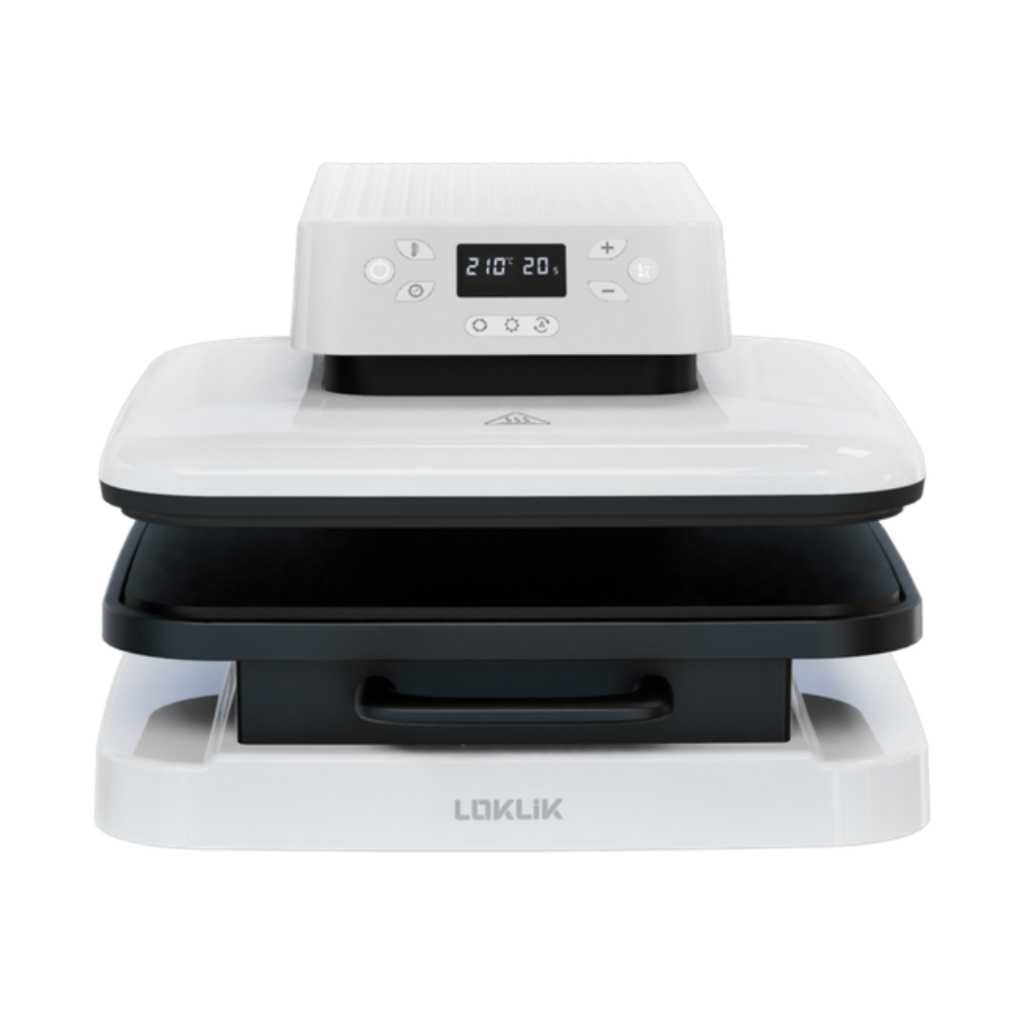
The Loklik Auto Heat Press by HTVRONT is an automated smart heat press that delivers precise temperature and even pressure to permanently bond designs onto fabric and blanks. With one-button operation and an easy pull-out tray, it takes the guesswork out of crafting custom t-shirts, tote bags, hoodies, tea towels, and personalized home accents.
What can I do?
Located directly beneath our ventilation hood for safe airflow, this automatic press is dedicated to high-heat and vapor-releasing materials. With this press, you can press the following transfers:
- DTF (Direct-to-Film) Transfers: Apply vibrant, full-color graphic prints to cotton, polyester, canvas, and blended fabrics.
- Sublimation: Permanently infuse full-color artwork, photos, and graphics into light-colored polyester apparel and flat, polymer-coated blanks (coasters, keychains, puzzles, mousepads, etc.).
- Cricut Infusible Ink: Create bold, peel-proof, and wash-proof designs that merge directly with compatible fabric and blanks.
- Printable Heat Transfer Paper: Turn custom designs printed on your home inkjet or laser printer into wearable art for dark or light shirts.
- Screen Printed Transfers: Press ready-to-use, professional plastisol or screen-printed designs with crisp finishes.
- Specialty HTV (Puff, Flock & Foil): Add 3D-expanded puff textures, velvet-like flocking, or metallic finishes to garments.
(Looking to press standard smooth HTV or iron-on vinyl? Please use our Clamshell Heat Press.)
What does the Makerspace provide?
- 15″ × 15″ Loklik Auto Heat Press
- Teflon heat press sheets and pillows (various sizes to ensure even pressure around seams, zippers, and buttons)
- Protective butcher paper
- Heat-resistant tape (to secure designs so they don't shift while pressing)
- Heat-resistant gloves
Important Note: To protect your project and keep the machine platen clean, clean butcher paper must be placed inside the garment (between layers) as well as on top and bottom to prevent ink or dye blowout from bleeding through.
How do I use it?
- Prepare Your Design: Print your sublimation transfer, weed your Infusible Ink sheet, or bring in your pre-printed DTF, Specialty HTV (Puff, Flock, Foil), or screen-printed design.
- Set the Heat Press: Turn on the ventilation hood, then set the time and temperature according to your material’s application instructions (the auto press adjusts pressure automatically).
- Pre-Press (If Applicable): Place your garment on the slide-out tray and press smooth out wrinkles and remove residual moisture.
- Position & Protect: Place your item on the slide-out tray. Insert clean butcher paper between fabric layers and place sheets above and below your project to prevent ink bleed or platen stains.
- Press & Reveal: Press the start button. Once the cycle finishes and the press lifts, peel the carrier sheet according to your material's directions (hot peel vs. cold peel).
What do I need to bring?
- Prepared Transfers or Designs: Ready-to-press DTF prints, screen-printed transfers, sublimation sheets, or cut and weeded Infusible Ink designs.
- Base Blank Items: T-shirts, tote bags, hoodies, tea towels, or compatible polymer-coated blanks (coasters, mousepads, etc.).
- Pre-Washed Apparel: For wearable fabrics, pre-wash without fabric softeners or dryer sheets to remove factory coatings and prevent post-press shrinkage.
Need help creating your artwork? Book a One-on-One appointment with Makerspace staff to learn how to design and print using our Cricut, Silhouette, or Sublimation systems before your pressing session.